Home Automation Installer Storage: Modular Setup
By Mateo Silva • 27th Mar
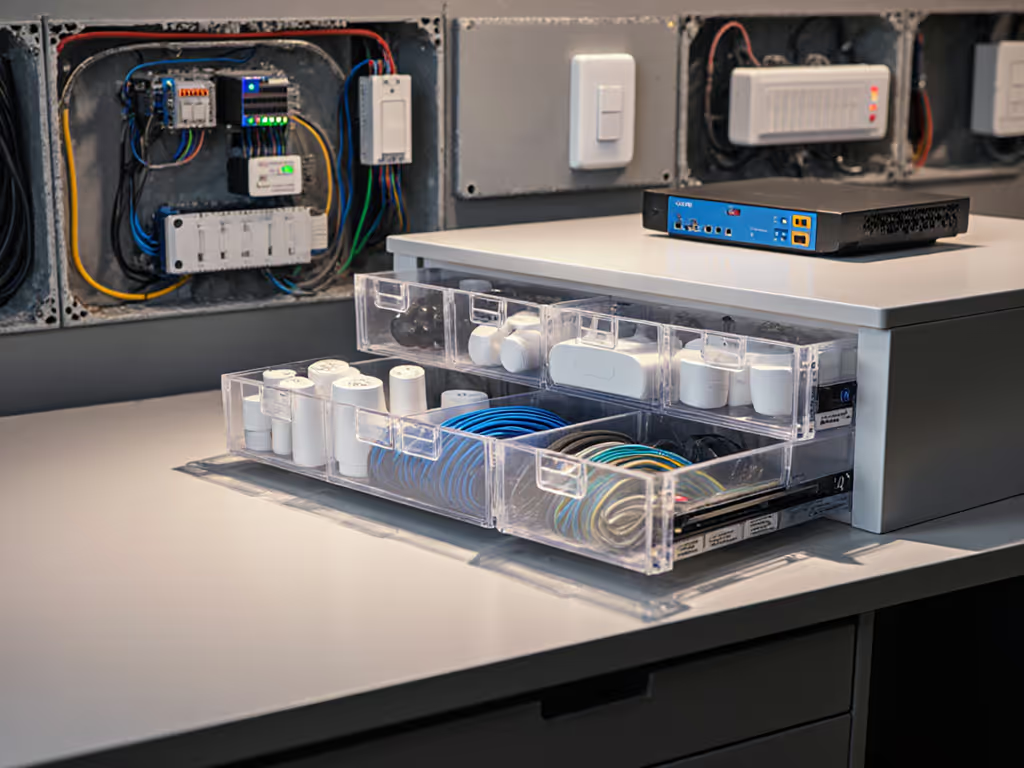
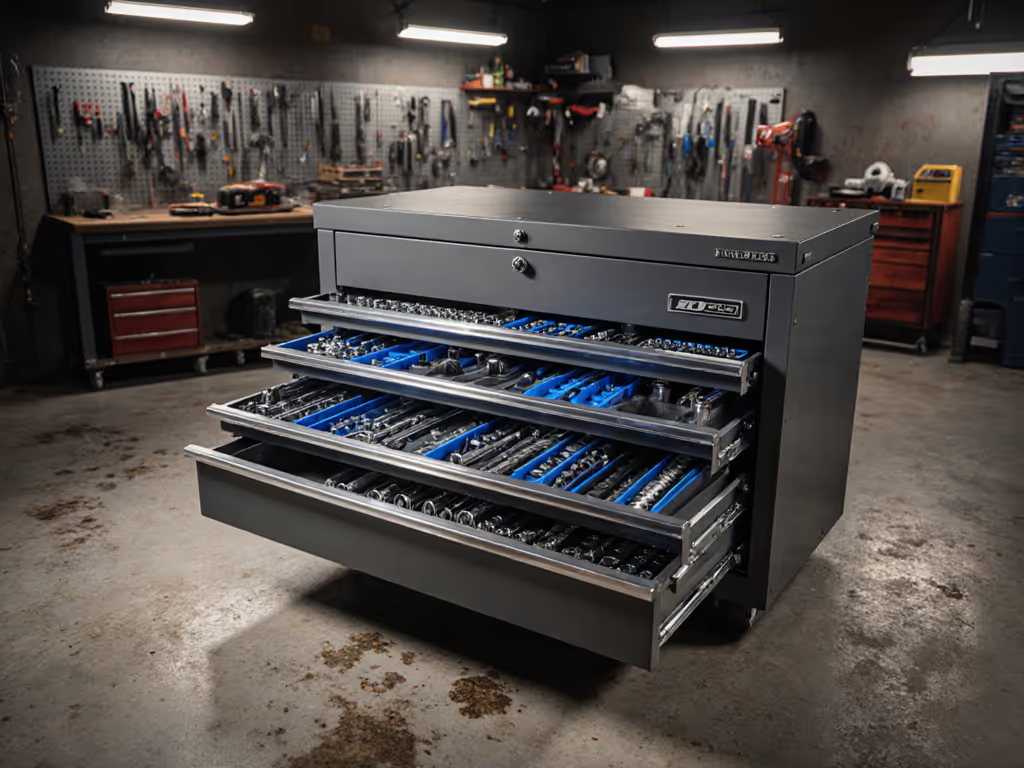
Home automation installation storage and smart home installer tool organization demand more than a generic toolbox. Installers deploying Matter-enabled devices, smart hubs, network cables, and diagnostic gear need a storage system that accelerates component retrieval, protects sensitive electronics, and scales as kit complexity grows. The difference between a cobbled-together setup and a modular approach directly impacts labor efficiency, error rates, and the cost of downtime when a missing connector delays a job.
Why Installer Storage Differs From General Tool Storage
Home automation work introduces storage requirements distinct from traditional mechanical or electrical services. You are managing fragile IoT components, ESD-sensitive circuit boards, delicate network cable organization tools, and environmental sensors alongside traditional hand tools. A dropped smart thermostat costs $200+; a bent network cable connector renders an entire run unusable. Standard tool chests, designed for wrenches and screwdrivers, lack the compartmentalization and protection these assets demand. For smart-home-specific needs like small-part bins and ESD-friendly layouts, compare smart home tool storage systems.
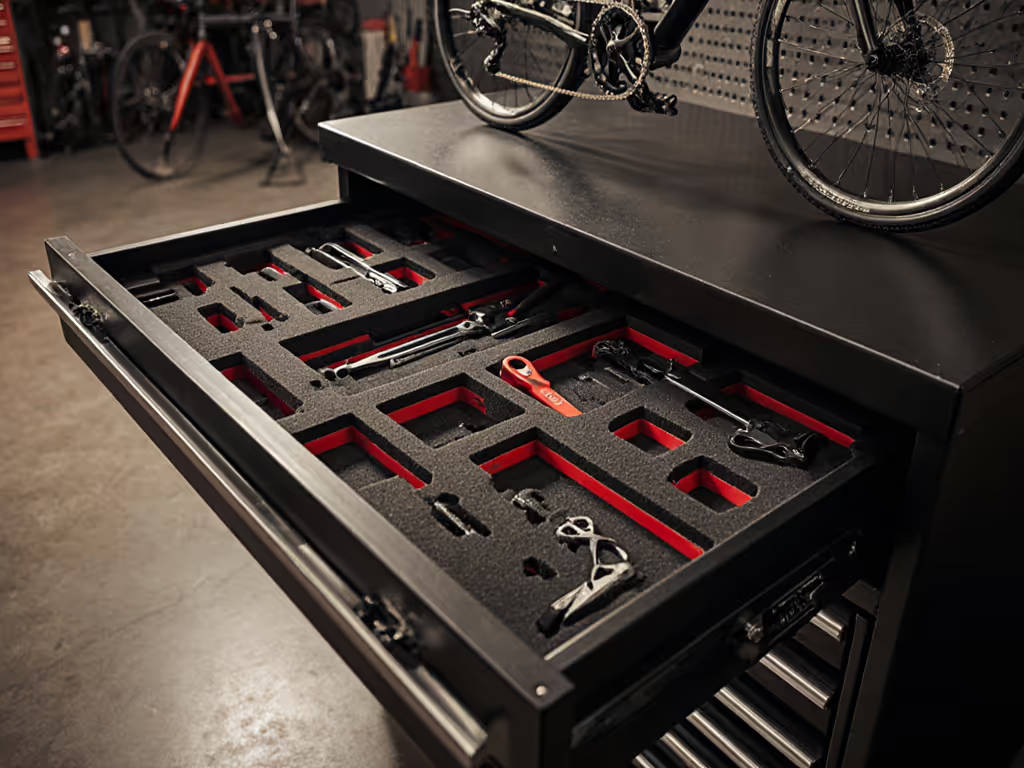
Additionally, installer kits evolve monthly. New device types emerge, proprietary ecosystems expand, and backup components accumulate. A storage system locked into fixed foam organizers becomes a liability, not an asset. If you still rely on foam for select tools, use our guide to optimize foam layouts to reduce rework and speed retrieval. Modularity (the ability to reconfigure drawers, swap dividers, and add shelving) becomes a direct line item against the cost of rework.
Comparative Framework: Fixed vs. Modular Setups
| Dimension | Fixed Storage (Pre-Foam Chests) | Modular Storage (Adjustable Drawers) |
|---|---|---|
| Setup Time | 2-3 hours (cutting, gluing foam to spec) | 30-45 minutes (adjustable dividers, labeled bins) |
| Reconfiguration Cost | $40-80 per drawer (new foam, waste) | $0-15 (reposition dividers or swap small containers) |
| Component Protection | High (custom fit) | High if equipped with soft-close drawers and gaskets |
| Scalability | Low (layout is permanent) | High (add bins, hutches, or side cabinets without rework) |
| Visual Accountability | Depends on labeling durability | Superior if shadow boards and labels survive solvents |
| Total 3-Year Cost | $600-1,200 (initial + rework) | $800-1,400 (higher upfront, zero rework) |
The total-cost math reveals a critical insight: a modular system costs more at purchase but saves money across years of incremental kit changes. Fixed setups force you to absorb foam rework and downtime waste every time your inventory shifts (a pattern that compounds in shops scaling from one tech to three).
Core Organizational Principles
Density vs. Accessibility
Installer storage is not stockroom inventory. It is a working kit organized to the 10-second rule: retrieving any frequently used component within 10 seconds from your starting position. This demand shapes every decision.
Top drawers hold high-rotation items: popular smart plugs, Z-Wave repeaters, extra network keystones, and diagnostic cables. Middle drawers contain mid-frequency assets: backup sensors, adapter kits, and specialized drivers. Lower drawers and shelving archive excess stock, spares, and seasonal components. Vertical accessibility matters as much as horizontal: bending for a 2-inch connector costs seconds and increases fatigue across a multi-house day.
ESD-Safe Smart Home Tools and Components
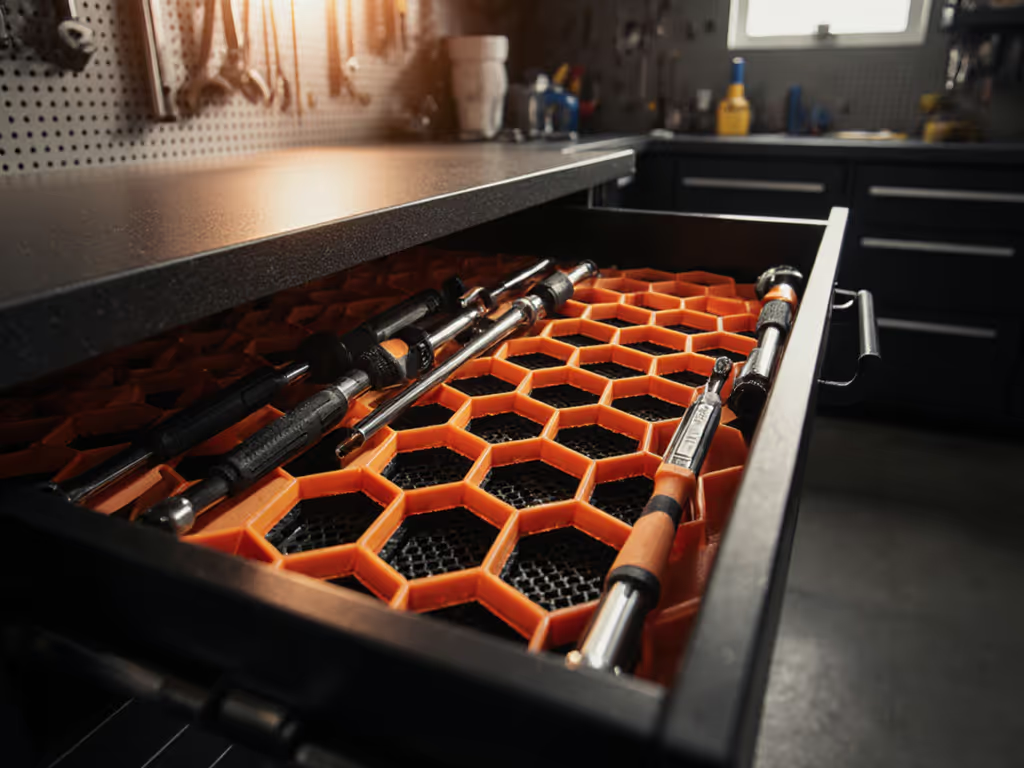
ESD-safe smart home tools are non-negotiable for shops handling premium hub hardware and controller boards. A $500 smart home controller damaged by static discharge during swapping is a margin-killer. Drawer liners with static dissipative properties, anti-static mats for assembly areas, and grounded tool storage are standard practice in professional settings.
This is not theater. Facilities managing IoT deployments in medical, industrial, or secure residential environments verify ESD compliance during audits. A documented static-safe kit storage procedure protects both your liability and your reputation.
Cable Management and Network Cable Organization
Network cabling is the second-largest pain point in installer storage. Coiled Ethernet runs tangle. PoE injector cables mix with power adapters. Testing leads vanish. The cost of a lost gigabit Ethernet tester is $150; the cost of a tech sitting idle waiting for the one cable they need is $50 per hour.
Modular cable organization uses:
- Labeled cable spools mounted on drawer dividers, separated by length and gauge
- Hook-and-loop adhesive strips on drawer fronts for power and diagnostic cables, visible and retrievable in one motion
- Pass-through cable routing on hutch-mounted power strips to segregate line power from signal integrity runs
- Adjustable cable trays under drawers if your chest includes a power-management module
Cable organization also enables standardization across bays. When a second tech knows your network cable home by sight, cross-coverage becomes immediate, not a five-minute search.
An IoT Device Installation Kit Structure
A modular IoT device installation kit organizes components by task, not by device type. This mirrors lean 5S thinking: every motion should advance the job.
Pre-visit prep drawer (top, easy reach): Hub models for your region, quick-reference setup guides, smartphone battery pack, and wireless range tester. Grab-and-go completeness.
Device staging drawer (second): Smart plugs, motion sensors, door/window contacts, and preferred hubs (your workhorse 80% of jobs).
Adapter and bridge drawer (middle): Zigbee repeaters, Thread border routers, Bluetooth extenders, and backup interfaces. One drawer absorbs protocol translation friction.
Cabling and home automation cable management drawer: Ethernet runs, PoE injectors, USB-C and Micro-USB cables for firmware updates, and diagnostic breakout leads. Spooled and labeled.
Tools and diagnostics drawer: Screwdrivers (pozidriv and Phillips for wall switches), crimpers for custom runs, multimeter, network tester, and flashlight. Everything a site survey needs without digging into a general toolbox.
Spare and overflow shelving: Surplus stock, seasonal sensors, backup power supplies, and hazmat waste for failed components awaiting proper disposal.
This structure means a tech walks out with one drawer and the kit for three routine jobs. Efficiency compounds.
Modular Expansion Strategy
One technician becomes three. A shop outgrows one chest. The modular principle (which makes sense for organizing drawers) applies at scale too. A quality base chest with full-extension slides and durable casters supports adding a top box, side cabinet, or rolling workbench without duplicating storage or doubling capital.
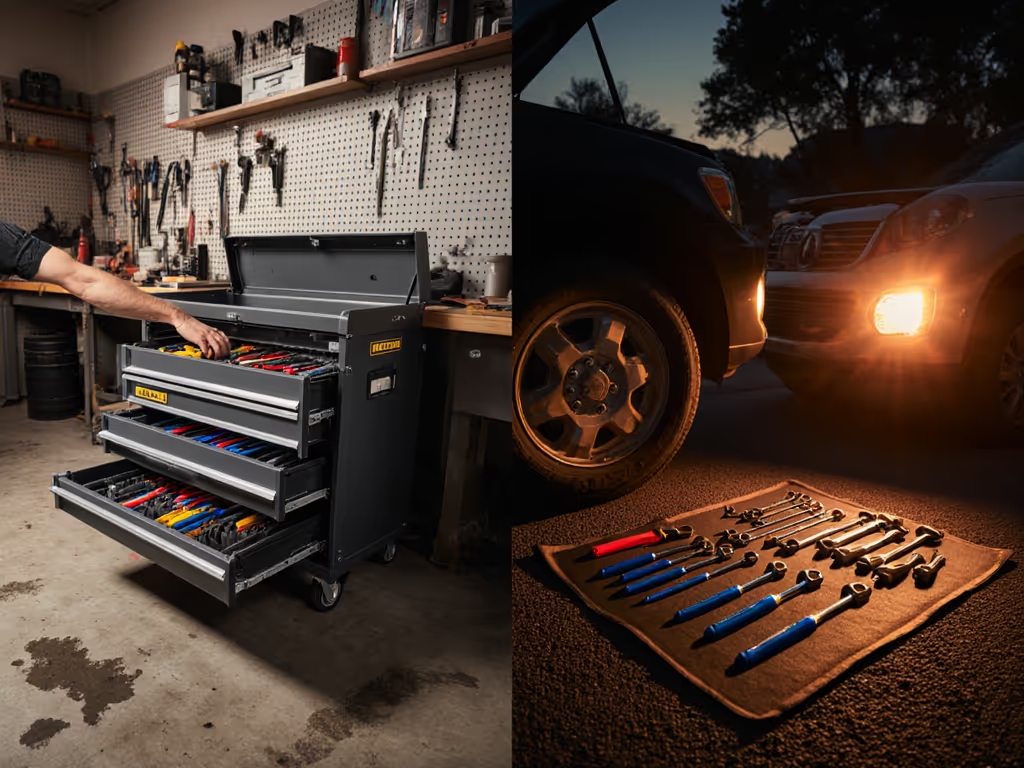
This is the anecdote behind the numbers: when a small shop outfitted three technicians with mid-tier chests featuring full-extension slides and adjustable compartments, retrieval time dropped by half. Two years in, zero drawer failures, zero casters replaced, and the team had reconfigured storage three times as kit grew. That uptime is not luck; it is a system built for change. Plan team growth with a modular storage expansion strategy that keeps systems compatible across top boxes, side cabinets, and rolling benches.
Total Cost of Ownership: Buy for the Job You Do Next
A $400 plastic organizer cart and a $1,600 modular chest do not compete on sticker price. They compete on math: labor recovered, parts protected, and rework avoided. The cheap cart sees $150 in foam patches by year two and offers zero scalability. The modular chest costs more upfront but holds its value, protects $5,000+ in inventory, and accommodates a team's growth.
As an operations-focused evaluator, pay once for throughput, not twice for shiny panels. Calculate your hourly labor cost, multiply it by the minutes lost each week hunting tools, and the true cost of a poorly organized kit becomes visible. A modular system that cuts 10 minutes per tech per day recovers its premium in eight months.
Key Decisions Before Purchasing
Drawer mechanics: Full-extension slides rated for 100+ pounds of smart home components and tools. Partial-extension slides are not acceptable; they hide inventory and encourage hoarding.
Power integration: A chest with factory-installed pass-through outlets and USB charging ports integrates cordless chargers, diagnostic equipment, and hub power supplies without external cords creating trip hazards.
Finish durability: Powder-coated steel or stainless resists shop solvents and cleaning chemicals better than paint alone. Verify with product documentation or ask the vendor for field durability data.
Caster load rating: Each caster should handle 200+ pounds per wheel if fully loaded. Test rollability on your shop floor (gritty concrete behaves differently than vinyl). A chest that binds under load becomes stationary, and a stationary kit loses time.
Warranty scope: Does the warranty cover caster replacement, slide repair, and power-module service? Warranty breadth reflects the vendor's confidence in component durability.
Further Exploration
As your home automation installation storage strategy matures, evaluate these next steps: document your drawer maps and standard kit contents (a one-page laminated card prevents drift when training new technicians); establish a quarterly inventory audit to flag slow-moving or duplicate items; and pilot a shared digital asset log for cross-bay visibility. These tools amplify the efficiency gains your modular storage system enables. Start with the fundamentals (organize for the job you do next, not the one you did last year) and let workflow data guide further refinement.
Related Articles